Questions and Answers (FAQ) Block: Organize Content with Search and Headings
The “Questions and Answers” block, despite the somewhat limiting name, is a natural choice for any group of content with a lot of titles, each with relatively short explanatory text/answers. Get started with the “Questions and Answers” block by typing /questions and answers
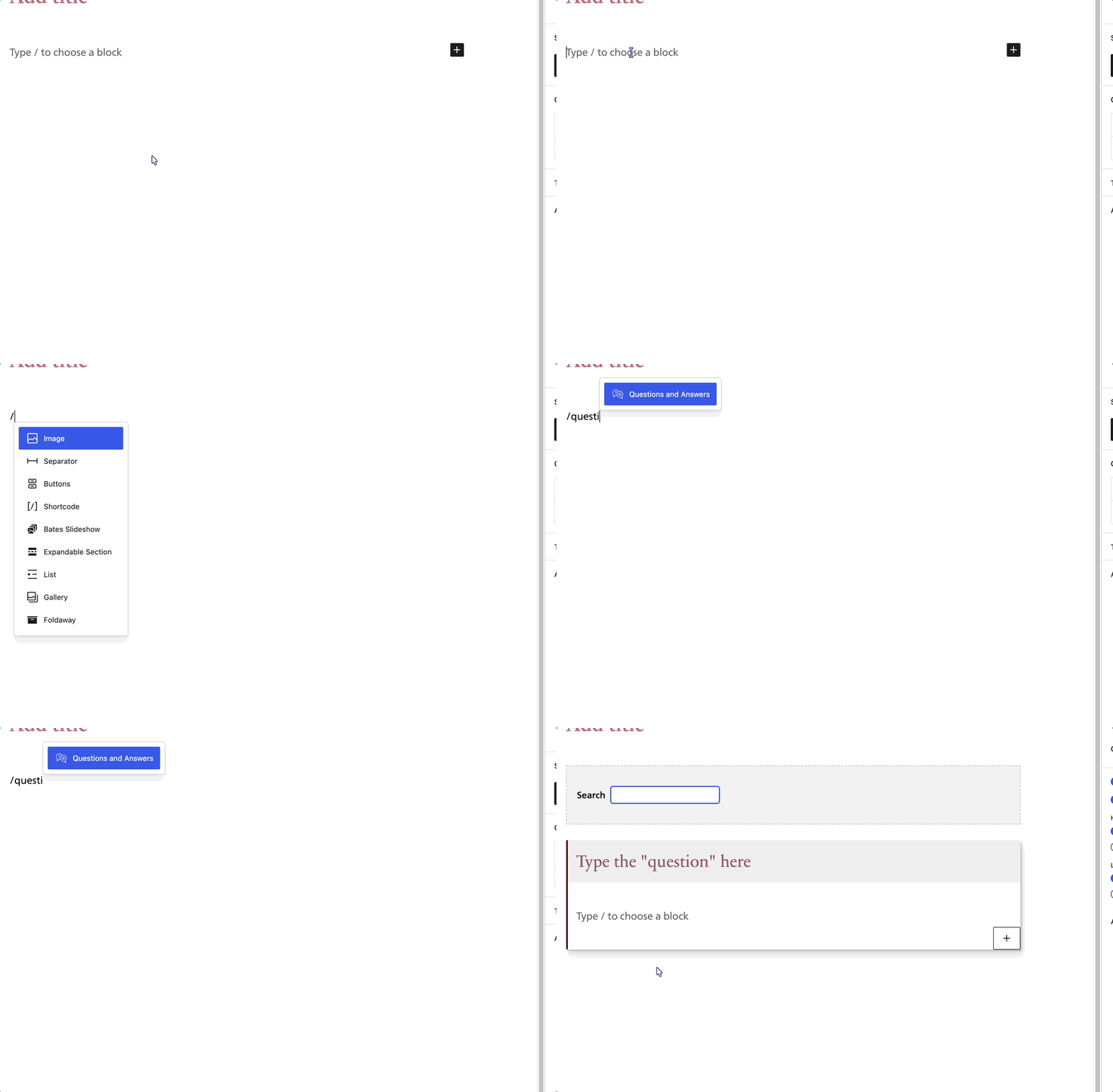
Enter your first “title” or “question” and your first “description” or “answer”. The description section can have anything you would normally add to a page: an image, a list, etc.
Section Headings/Groupings
You can insert section headings to group items into categories.
Table of Contents and Search
By default, a linked list of all items displays at the very top. A filter-as-you-type quicksearch box also shows. You can configure whether these things show using the right-side settings panel.
The linked list of items can be configured to show every item or just the section headers (if you have a lot of items, this can prevent overwhelming your readers).