The Bates LaTeX Manual
Lessons and Exercises
If you are new to LaTeX: visit our “What is LaTeX?” page to get started.
Most sections below contain both a Lesson and an Exercise. The file labeled “Lesson (.tex)” contains the LaTeX source code for the top part of the file “Output (.pdf)”. Students should (1) view these two files, (2) build understanding of the LaTeX being used, and then (3) try on their own to produce LaTeX source code for the bottom part of the file “Output (.pdf)”. Solutions appear in the files labeled “Answers (.tex)”.
The goal of these lessons is to provide a solid grounding in LaTeX. This manual is not exhaustive: LaTeX has vast capability and is updated regularly. For further information, the best resources are web searches and discussions with other LaTeX users.
1: The Basics
Lesson (.tex)
Output (.pdf)
Answers (.tex)
2: Math Blackboard, Logic, Quantifiers, & Alignment
Lesson (.tex)
Output (.pdf)
Answers (.tex)
3: Proclamations & Proofs
Lesson (.tex)
Output (.pdf)
Answers (.tex)
4: Set Notation, Greek & Hebrew Letters
Lesson (.tex)
Output (.pdf)
Answers (.tex)
5: Alignment, Part Two – Labels & Annotation
Lesson (.tex)
Output (.pdf)
Answers (.tex)
6: Sizing & Spacing
Lesson (.tex)
Output (.pdf)
Answers (.tex)
7: Math Miscellany
Lesson (.tex)
Output (.pdf)
Answers (.tex)
8: Over/Under & Boxes
Lesson (.tex)
Output (.pdf)
Answers (.tex)
9: Arrows & Functions
Lesson (.tex)
Output (.pdf)
Answers (.tex)
10: Tables
Lesson (.tex)
Output (.pdf)
Answers (.tex)
11: Lists
Lesson (.tex)
Output (.pdf)
Answers (.tex)
12: The cases & array Environments
Lesson (.tex)
Output (.pdf)
Answers (.tex)
13: Importing Graphics
Lesson (.tex)
Output (.pdf)
[No Exercise]
Graphic1 (.eps)
Graphic2 (.eps) [Download these graphics for Lesson 13.]
14: TikZ
Lesson (.tex)
Output (.pdf)
[No Exercise]
15: BEAMER
Recommendation: open your presentation full-screen in Adobe Acrobat rather than as a web browser preview.
Note: you may need to install the LaTeX “beamer” package.
Lesson (.tex)
Output (.pdf)
[No Exercise]
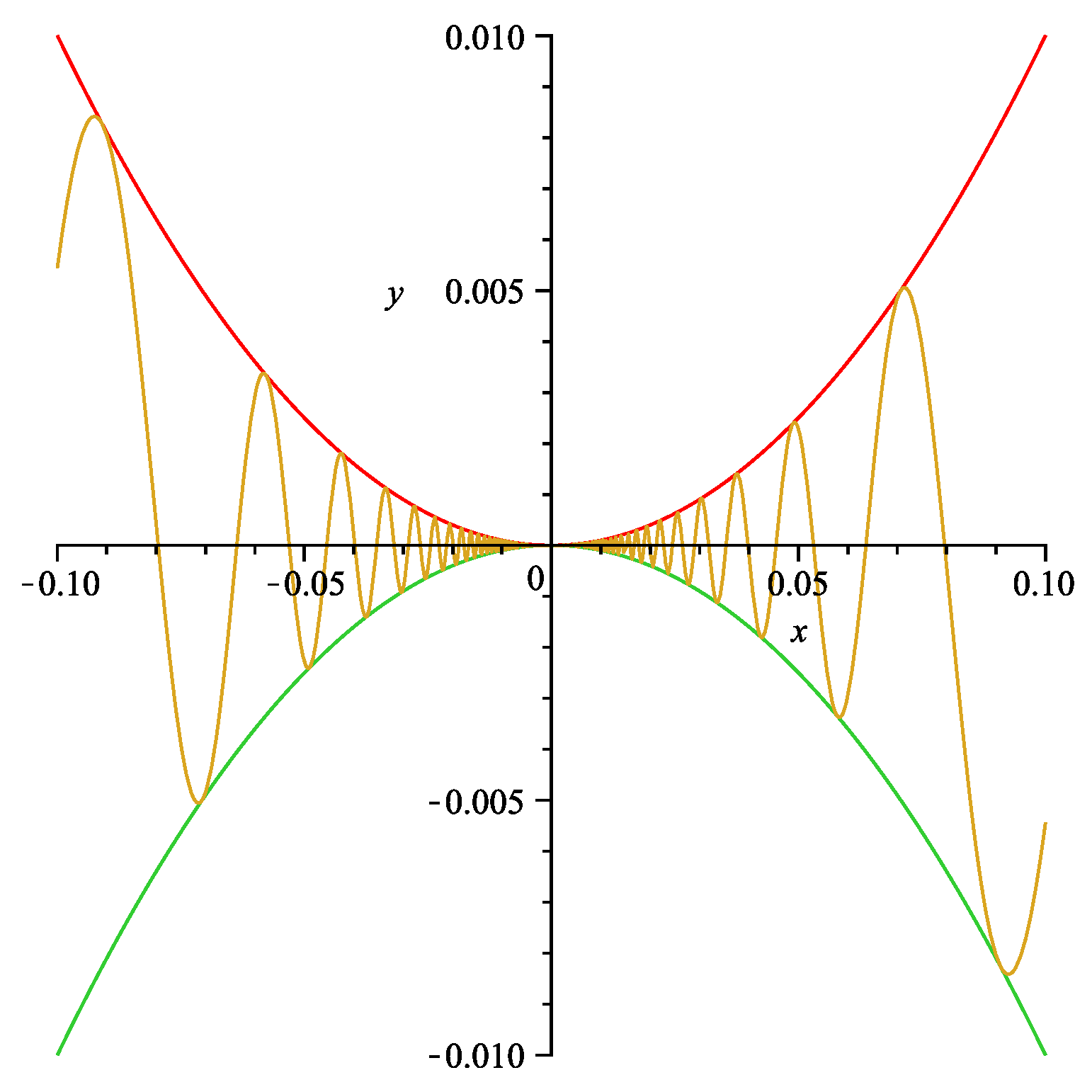
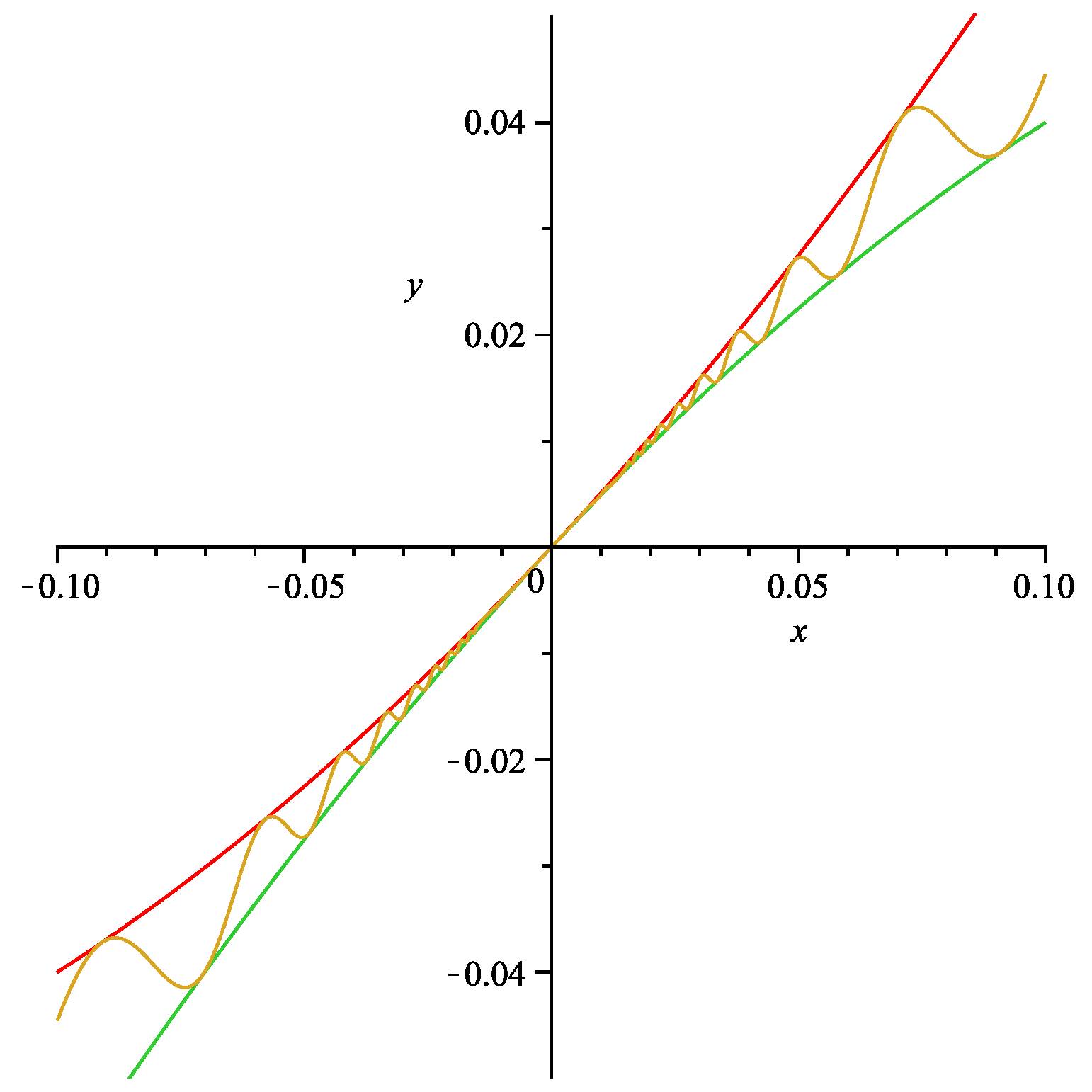
graph1 (.png)
graph2 (.png) [Download these graphs for Lesson 15.]
Model Thesis Files
Copy all of the following files into a single folder and then typeset the file thesis.tex. Your output file should then look like this: (.pdf version).
Beamer Poster Sample
Copy all of the following files into a single folder and typeset the file sampleposter.tex. Your output file should then look like this: (.pdf version). You may need to install the package “beamerposter” and the file beamerposter.sty .
Acknowledgements
The Bates LaTeX Manual started with an earlier set of lessons written in 2003 by Meredith Greer. The current lessons draw largely from work done by Eric Towne in 2006-2007, supported by a grant from the Howard Hughes Medical Institute. Bonnie Shulman wrote the grant proposal for these funds. Updates were made in 2018 by Meredith Greer.
Thanks to John Rhodes for his original thesis files that have been updated here, and thanks to Dawn Nelson for contributing the Beamer poster files.